
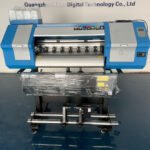
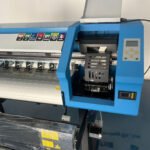
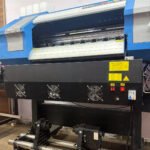
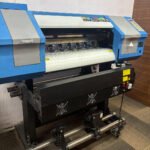
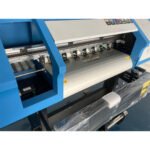
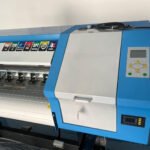
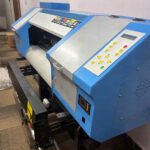

24 Inch Sublimation Printers: A Complete Guide for Your Printing Business
Are you planning to start a printing business or expand your existing printing shop? A 24 inch sublimation printer can help you create colorful designs for clothing, promotional products, home decor, and many other items. It offers a practical solution for businesses that need high-quality prints and want to handle larger printing jobs.
At Sublicart, we help printing businesses find suitable printing machines and supplies for their needs. Whether you are a beginner or an experienced printer, understanding how a 24 inch sublimation printer works can help you make a better buying decision.
In this guide, you will learn about its features, benefits, applications, working process, and important buying tips.
What Is a 24 Inch Sublimation Printers?
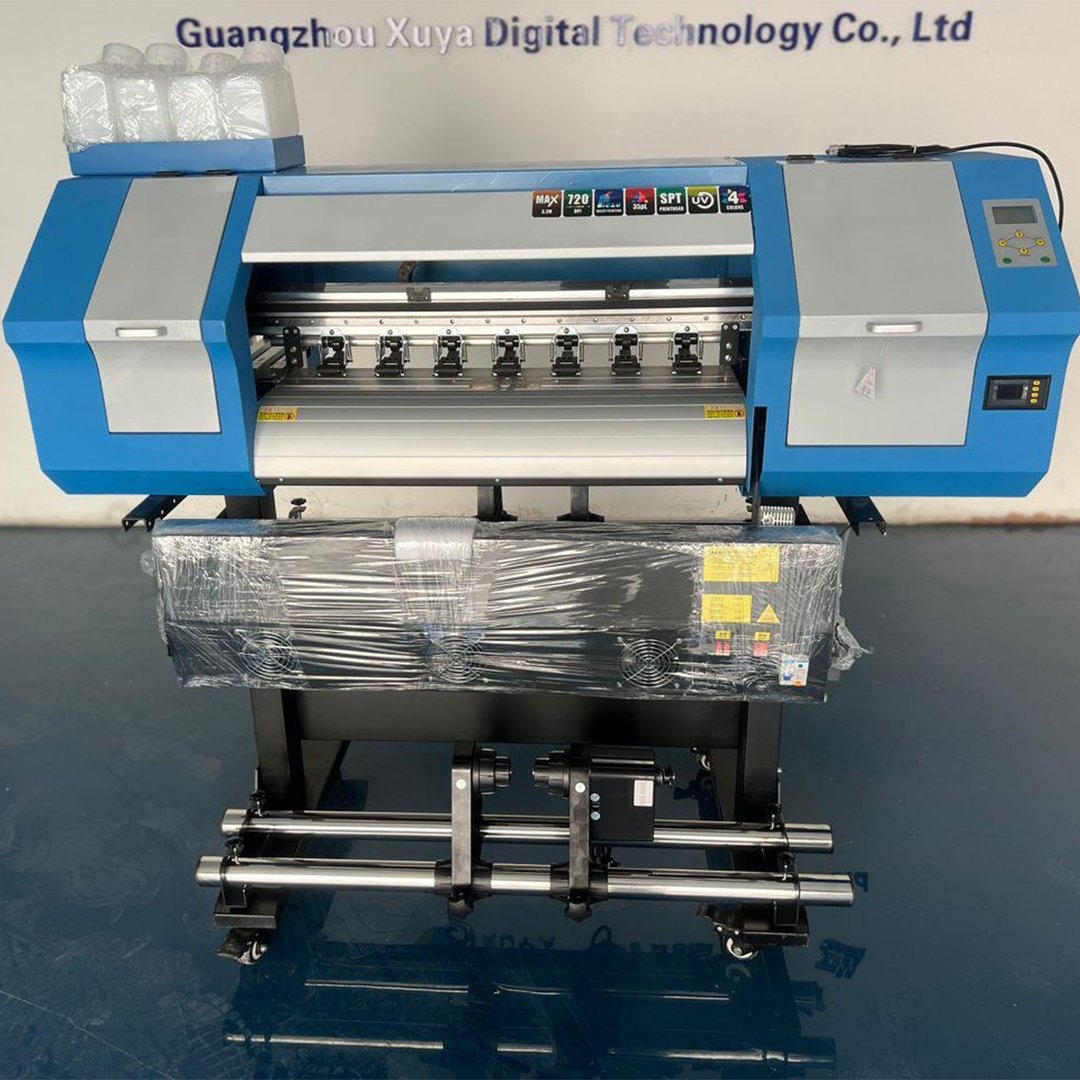
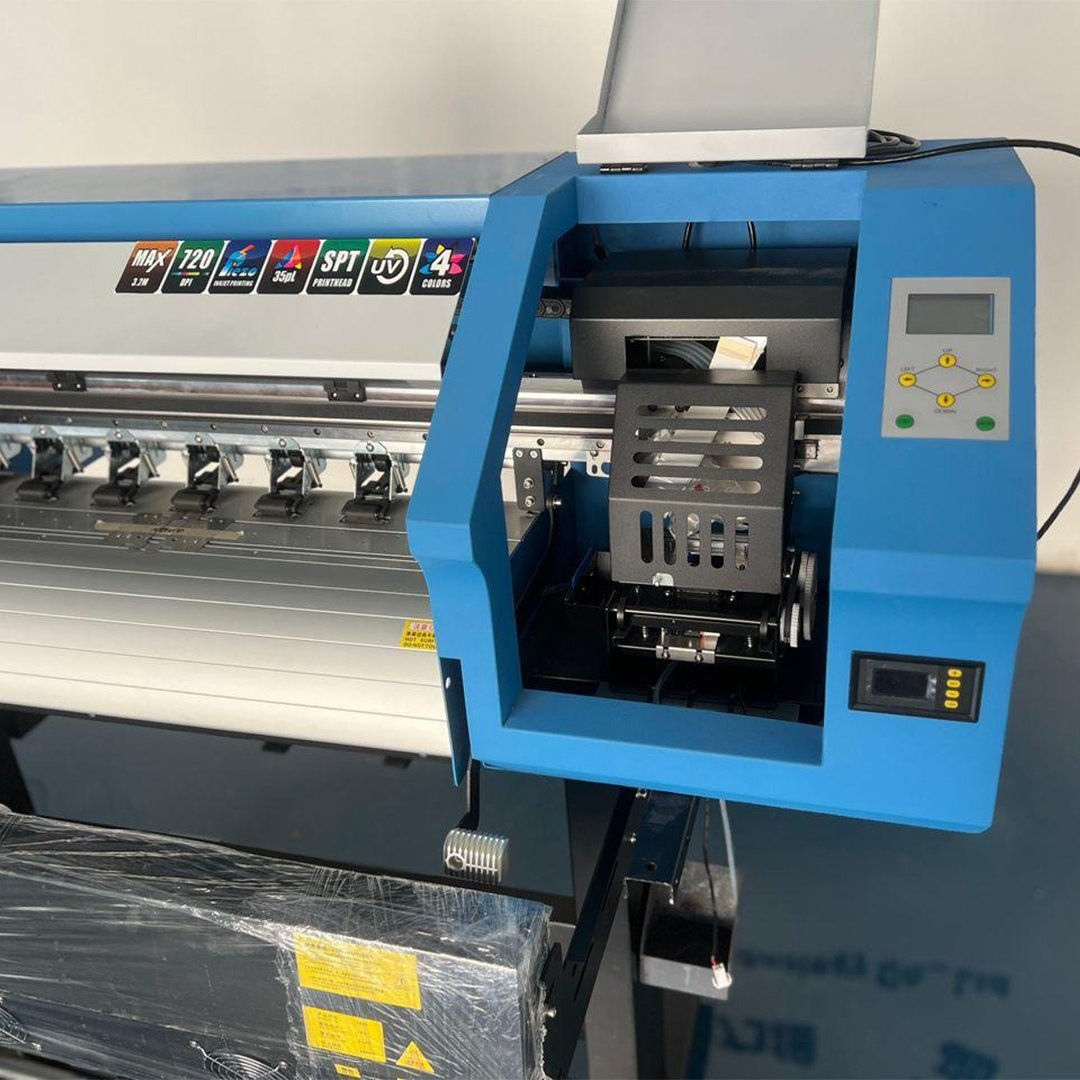
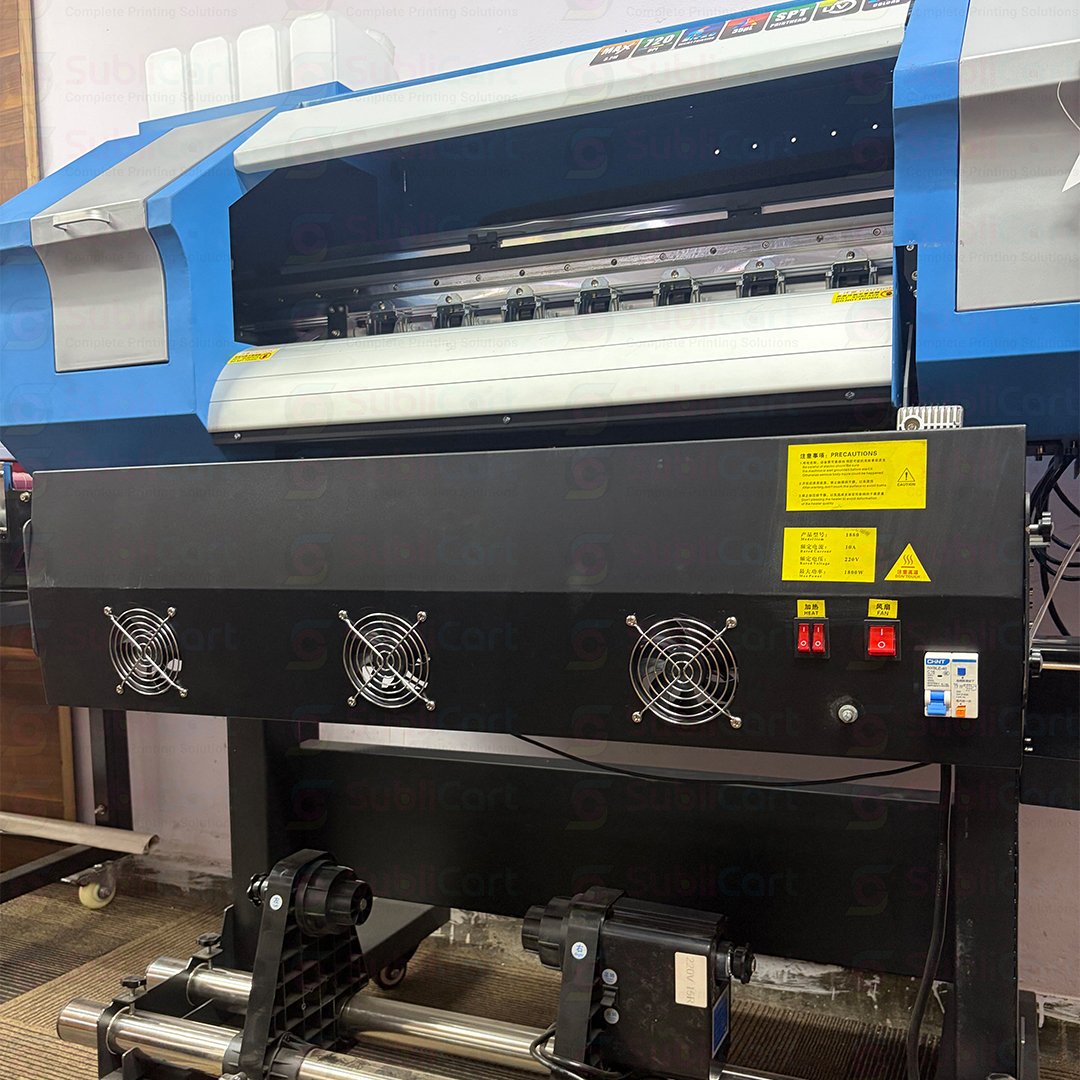
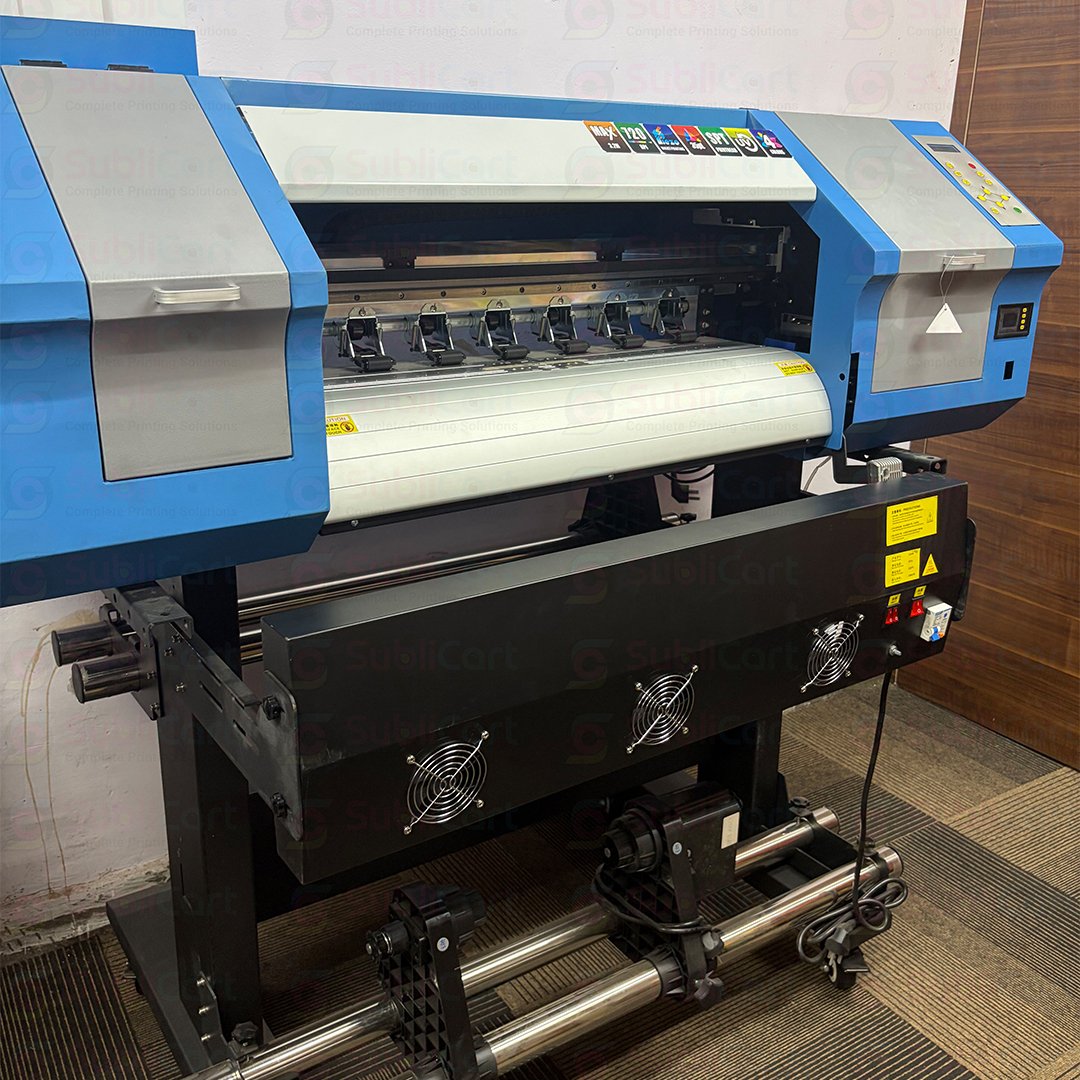
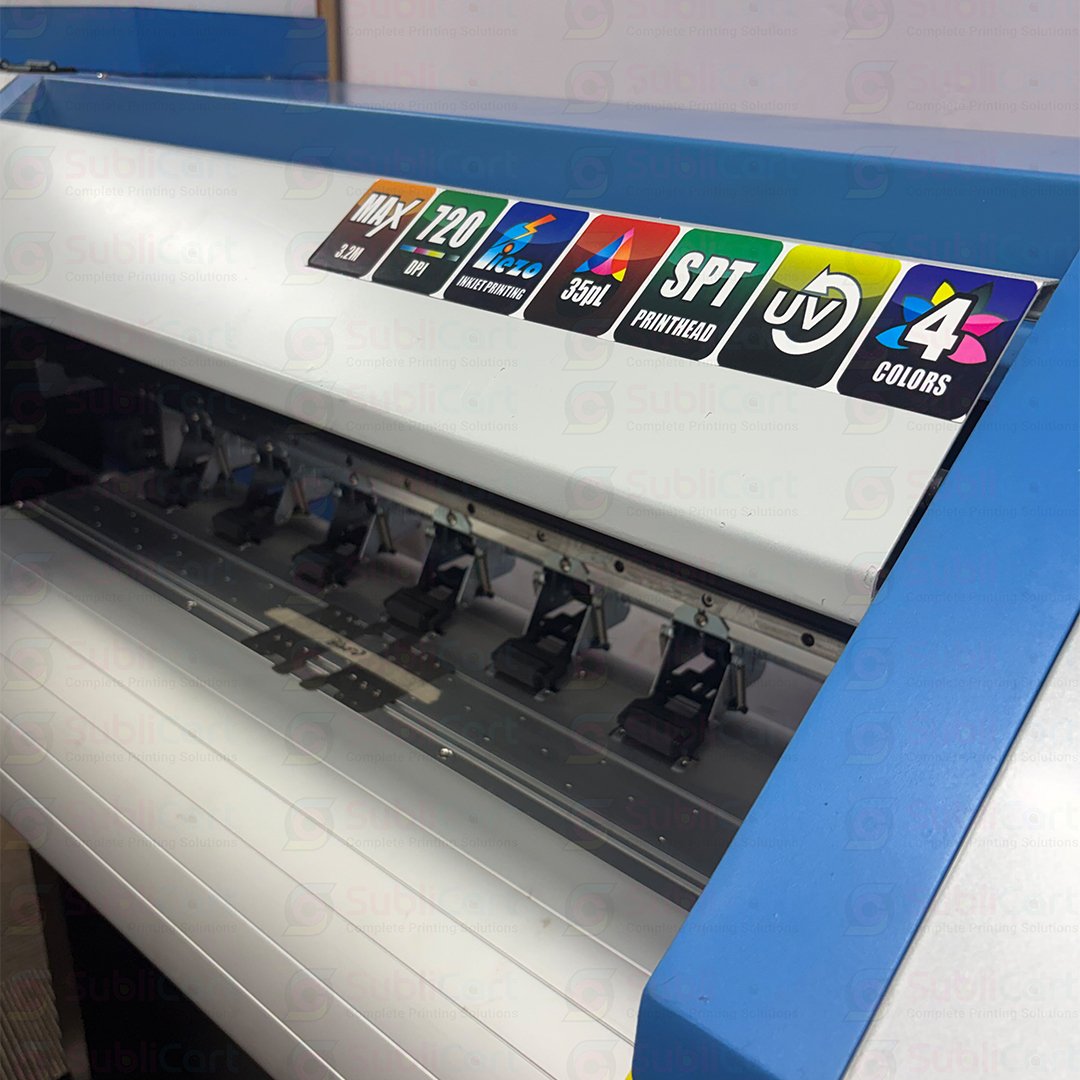
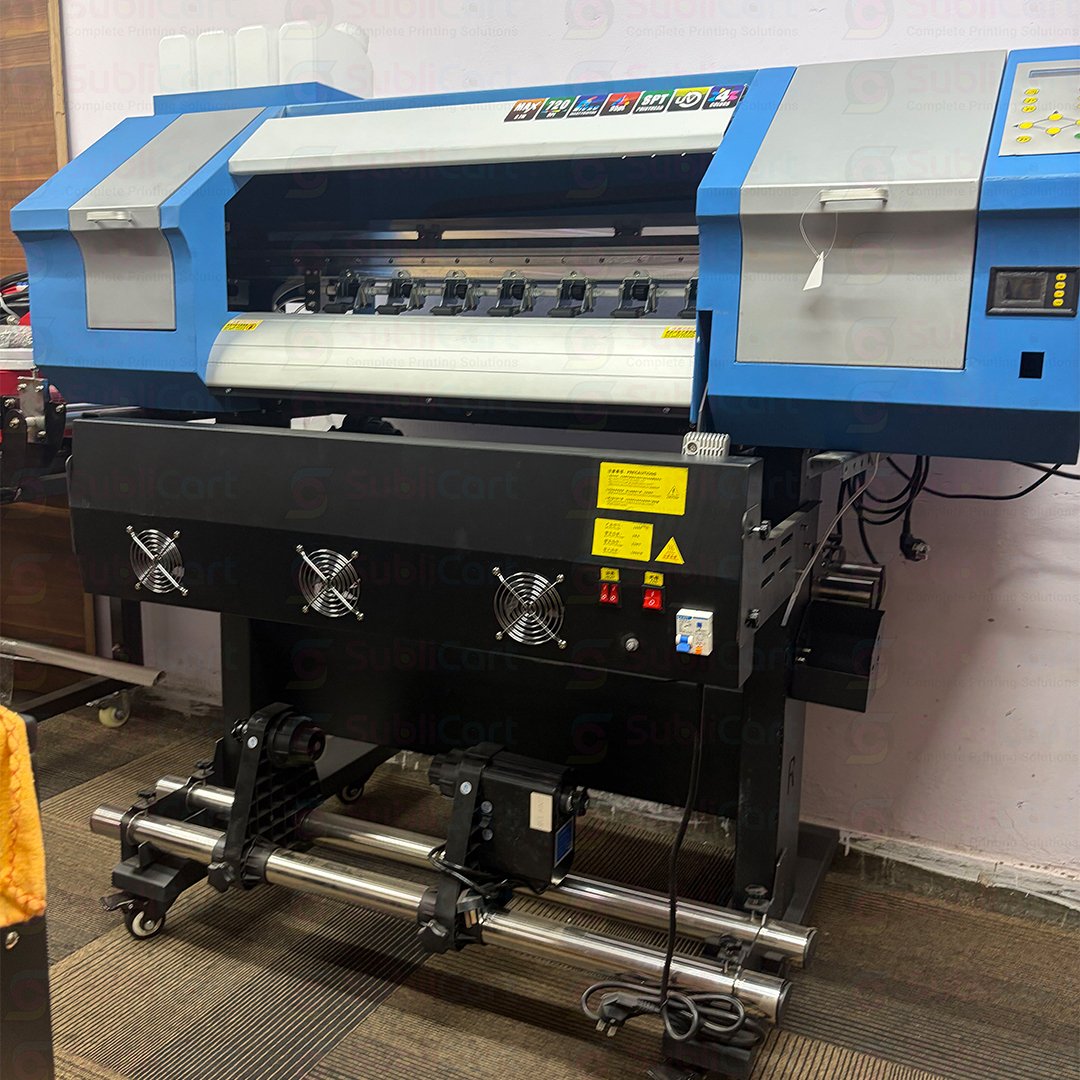
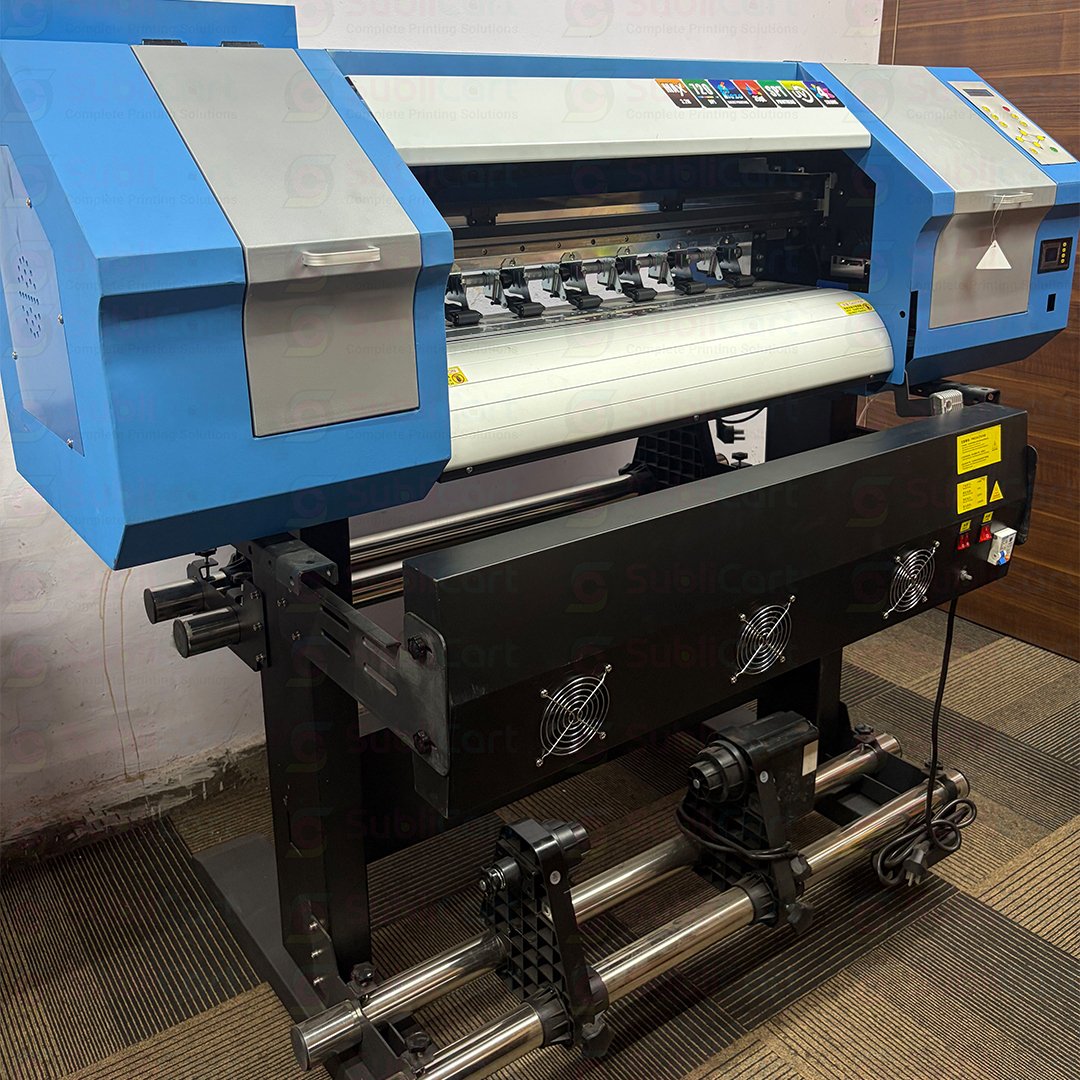
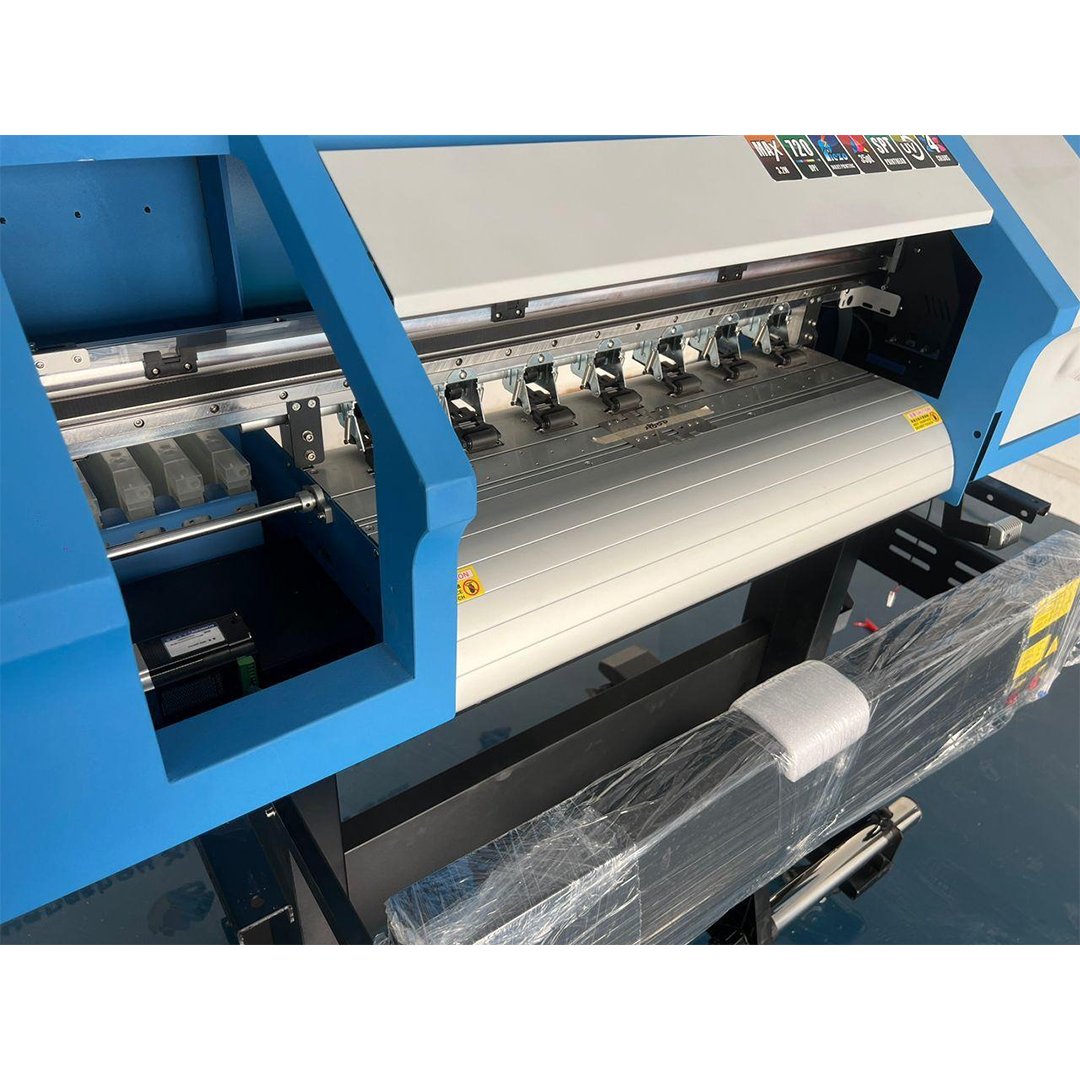
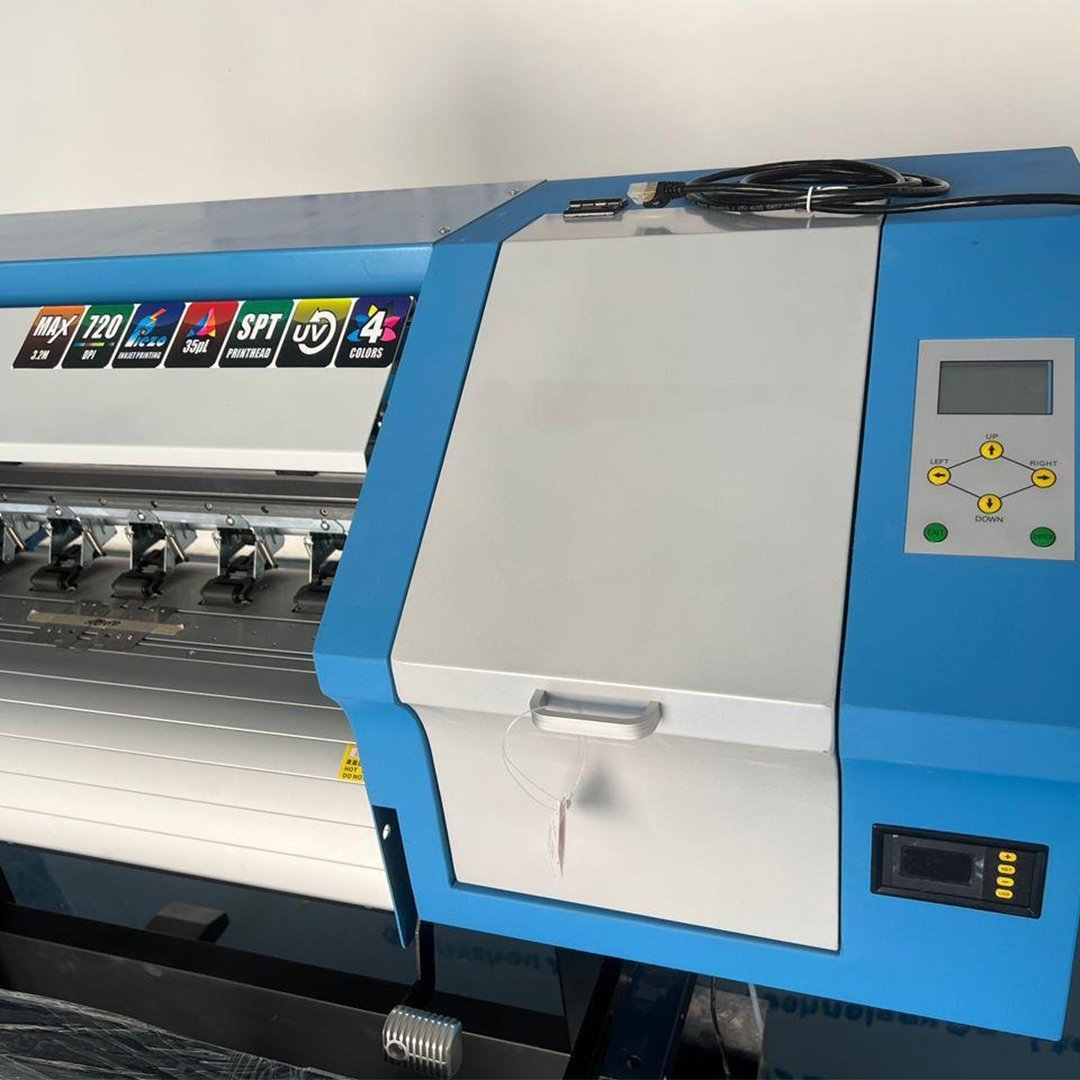
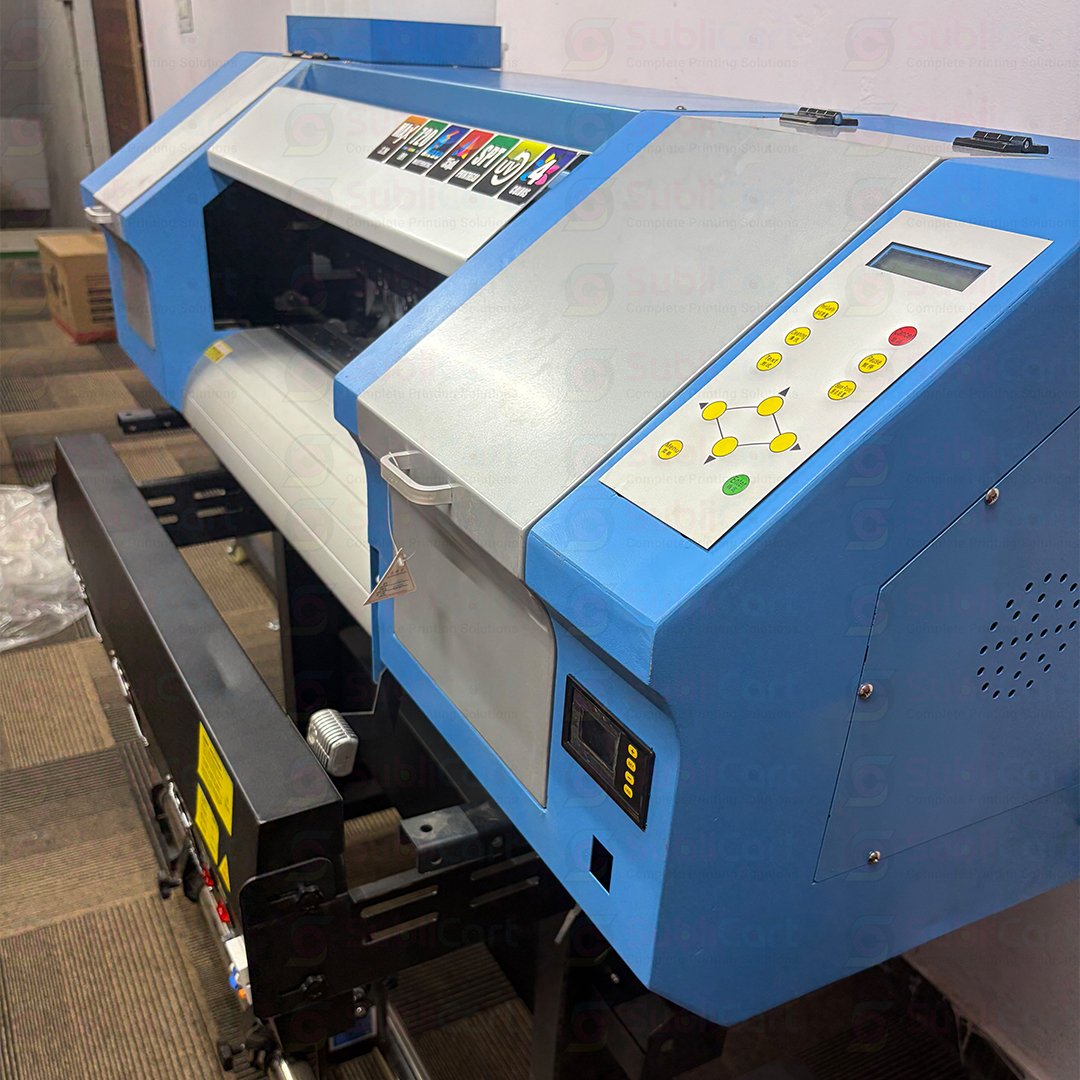
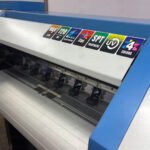
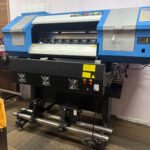
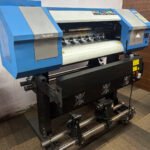
A 24 inch sublimation printer is a printing machine that can print designs on sublimation transfer paper up to approximately 24 inches wide. It uses special sublimation ink to create colorful images, patterns, logos, and text.
The printer transfers these designs onto suitable products through a heat press. Heat and pressure help the ink bond with the material’s surface.
This process works especially well with polyester fabrics and specially coated products. For example, you can use sublimation printing to create sportswear, banners, flags, cushions, and personalized gifts.
A 24 inch printer gives you more printing space than many small-format machines. Therefore, it can be a useful choice for growing printing businesses.
How Does a 24 Inch Sublimation Printers Work?
The sublimation printing process involves a few simple steps. Once you understand them, you can start planning your own printing projects.
Step 1: Create Your Design
First, prepare your design on a computer. You can use graphic design software to create logos, names, photos, patterns, or promotional artwork.
Make sure the design matches the size of your final product.
Step 2: Print the Design
Next, print the design onto sublimation transfer paper with compatible sublimation ink. The printer produces the image in reverse when required for the transfer process.
Always use the correct ink, paper, and printer settings for the best results.
Step 3: Prepare the Product
Choose a suitable product for sublimation printing. Polyester fabrics and specially coated blanks usually deliver the best results.
Remove dust and moisture before transferring the design. Proper preparation helps you achieve a cleaner finish.
Step 4: Apply Heat and Pressure
Place the printed transfer paper on the product. Use a suitable heat press and follow the recommended temperature, time, and pressure for that material.
The heat helps the ink transfer into the polyester fibers or the special coating.
Step 5: Remove the Paper and Check the Print
After the transfer cycle, carefully remove the paper according to the product instructions. Check the colors, edges, and overall quality.
With the correct settings and materials, you can produce bright, durable designs.
Key Features of a 24 Inch Sublimation Printers
Before buying a printer, consider the features that matter most to your business.
1. Wide Printing Capacity
A 24 inch printing width gives you more space for larger designs. You can also arrange several smaller designs across the same sheet to improve material usage.
2. Bright and Detailed Colors
Compatible sublimation ink can produce vibrant colors and clear images. This feature makes the printer suitable for custom apparel, promotional products, and decorative items.
3. Support for Business Production
A wide-format sublimation printer can help you manage larger orders. However, actual production speed depends on the printer model, print quality settings, artwork, and workflow.
4. Flexible Product Applications
You can use sublimation printing for many polyester-based and coated products. This flexibility helps you serve different customer groups without relying on only one product category.
5. Professional Printing Results
With suitable materials, correct color settings, and proper heat transfer, you can create professional-looking products for retail customers and bulk buyers.
Always check the exact specifications of the model you plan to purchase. Not every 24 inch printer offers the same speed, ink system, or software compatibility.
Benefits of a 24 Inch Sublimation Printers for Your Business
A suitable sublimation printer can support business growth in several ways.
Handle Larger Designs
Small printers may limit the size of your designs. A 24 inch model gives you more room for wide graphics, textile patterns, and larger transfer layouts.
This advantage can help you accept a wider range of customer orders.
Serve Different Markets
You can offer customized products to schools, sports clubs, clothing brands, event organizers, gift shops, and promotional agencies.
For example, you could print team uniforms, event flags, personalized cushions, and polyester banners.
Improve Production Planning
A wider printer allows you to arrange multiple designs on one transfer layout. This can reduce wasted paper and help you organize bulk orders more efficiently.
Good planning also helps you control ink usage and production costs.
Build a Custom Printing Business
You do not need to sell only ready-made products. Instead, you can offer personalized designs and small-batch production.
Custom printing can help your business stand out in a competitive market.
What Can You Print With a 24 Inch Sublimation Printers?
A 24 inch sublimation printer supports many business applications when you choose suitable materials.
Here are some popular options:
- Sportswear: Print colorful designs on compatible polyester jerseys and sports uniforms.
- Custom Apparel: Create designs for polyester T-shirts and other suitable garments.
- Flags and Banners: Produce promotional graphics and event decorations on compatible fabrics.
- Home Decor: Print designs for polyester cushions, pillow covers, and decorative textiles.
- Personalized Gifts: Create custom products using specially coated sublimation blanks.
- Promotional Products: Print suitable designs for business events, advertising campaigns, and branded merchandise.
- Textile Printing: Produce patterns and graphics for polyester-based fabric applications.
Remember that sublimation does not work equally well on every material. Standard cotton fabric and uncoated surfaces usually need a different printing method or a suitable compatible coating.
How to Choose the Best 24 Inch Sublimation Printers
Choosing the right machine depends on your budget, order volume, and business goals.
Check Print Quality
Look for a printer that delivers clear details, consistent colors, and reliable results. Ask the supplier about sample prints before making your decision.
Compare Printing Speed
If you plan to handle large orders, production speed matters. Compare the manufacturer’s specifications and ask how the printer performs at the quality settings you intend to use.
Check Ink Compatibility
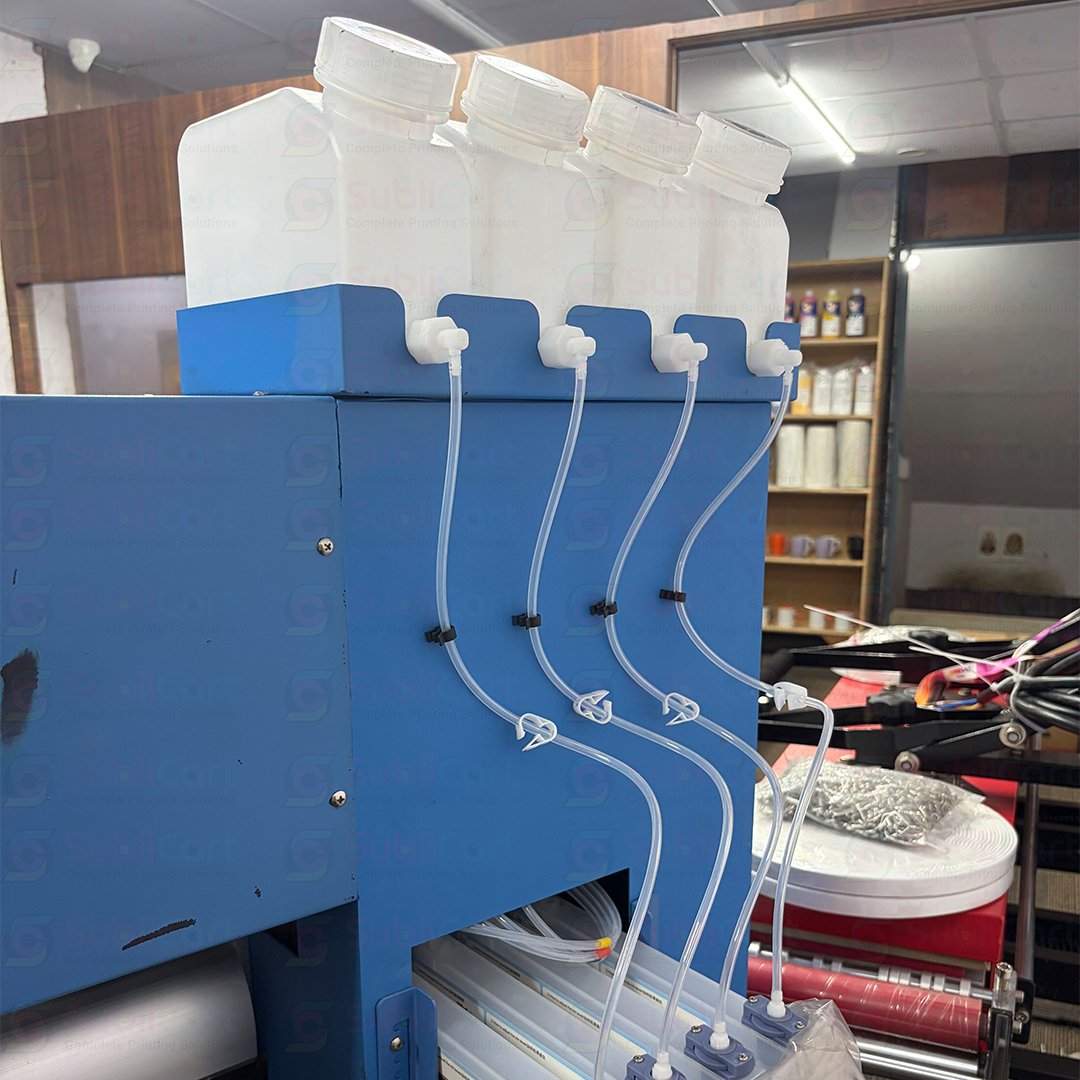
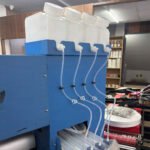
Use the correct sublimation ink for your printer. Ink compatibility affects print quality, machine performance, and maintenance requirements.
Review Software Support
Your printer should work with suitable printing software and color management settings. Ask the supplier about supported operating systems, software costs, and setup requirements.
Consider Maintenance
Every printer needs regular care. Ask about printhead maintenance, cleaning supplies, spare parts, and technical support before purchasing.
Ask About Training and Warranty
Good after-sales support can make a major difference, especially when you are new to sublimation printing. Check the warranty terms, installation assistance, and training options.
What Is the Price of a 24 Inch Sublimation Printers?
The price of a 24 inch sublimation printer depends on its brand, printhead, printing speed, features, software, and included accessories.
Entry-level and commercial machines can have very different prices. Therefore, compare the complete package instead of looking only at the printer’s base price.
Before purchasing, ask these questions:
- Does the price include sublimation ink and transfer paper?
- Is printing software included?
- Does the package include installation or training?
- What warranty and technical support does the supplier provide?
- Are spare parts and consumables easy to obtain?
- Does the printer meet your expected daily production needs?
For the latest availability and pricing, contact Sublicart directly. Our team can help you explore suitable printing equipment for your business requirements.
Essential Tips for Better Sublimation Printing
Follow these practical tips to improve your printing results.
- Use compatible materials: Choose polyester fabrics or specially coated products designed for sublimation.
- Check your colors: Use suitable color profiles and print settings to maintain consistent results.
- Keep your printer clean: Follow the manufacturer’s maintenance instructions to help prevent printing problems.
- Test before bulk production: Print a sample before processing a large order.
- Use the correct heat settings: Follow the recommended temperature, time, and pressure for each product.
- Store ink properly: Follow the manufacturer’s instructions for storage and handling.
- Calculate your costs: Include ink, paper, electricity, labor, packaging, and other business expenses when setting prices.
These steps can help reduce waste and improve your production workflow.
Why Choose Sublicart for Sublimation Printing Equipment?
Sublicart supplies printing equipment and materials for businesses across India. We help customers explore printing solutions based on their products, budget, and production goals.
When you contact our team, you can ask about available sublimation printers, compatible materials, machine specifications, and support options.
Whether you want to start a small customization business or expand a commercial printing operation, choosing the right equipment is an important first step.
Visit our website to explore our printing solutions and learn more about the machines available for your business.
Website: https://sublicart.com/
Call or WhatsApp: +91 8700743557 | +91 9217596768
Contact our sales team for current pricing, product availability, and a suitable machine recommendation.
Frequently Asked Questions About 24 Inch Sublimation Printers
1. What does a 24 inch sublimation printer mean?
It refers to a sublimation printer with a maximum media or printing width of approximately 24 inches. The actual printable area may vary by model.
2. Is a 24 inch sublimation printer suitable for beginners?
Yes, it can suit beginners who want to start a printing business and need a wider printing area. However, beginners should consider the purchase cost, maintenance needs, and training requirements.
3. Can I print cotton T-shirts with a sublimation printer?
Standard sublimation printing works best on polyester fabrics. For cotton T-shirts, consider DTF printing, suitable heat-transfer vinyl, or another compatible printing method.
4. Do I need a heat press with a sublimation printer?
Yes, you generally need a suitable heat press to transfer sublimation designs onto the final product. Choose the press according to the product’s size and material.
5. Which products can I make with a 24 inch sublimation printer?
You can create polyester apparel, flags, banners, cushions, textile designs, and personalized products made with compatible sublimation blanks.
6. How can I find the right sublimation printer for my business?
Compare print quality, speed, ink compatibility, software, maintenance, warranty, and after-sales support. You should also discuss your expected order volume with the supplier.
Conclusion
A 24 inch sublimation printer can be a useful investment for businesses that want to produce colorful textile designs, promotional graphics, and customized products. Its wider printing capacity offers more flexibility than many small-format machines.
However, the best printer depends on your production needs, budget, materials, and long-term business plans. Take time to compare specifications, understand the complete package cost, and ask about technical support before purchasing.
Ready to explore sublimation printing equipment? Visit Sublicart.com or call +91 8700743557 or +91 9217596768 to discuss your requirements with our team.




Reviews
There are no reviews yet.